




myAir™ app updates:
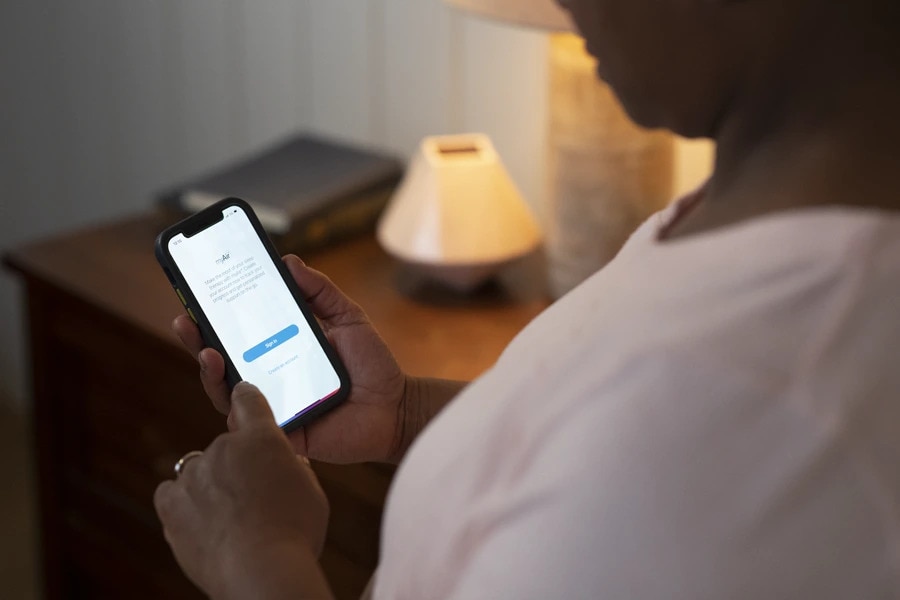
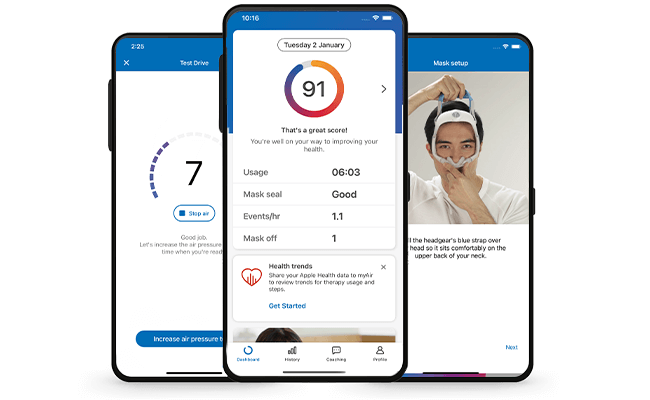
Curious to know more about the myAir app?
You’re in the right place.
Whether you’re a regular myAir app user looking to learn about the latest update, or just curious about when and why we update the app, this is the place to find answers to your questions.
What’s new?
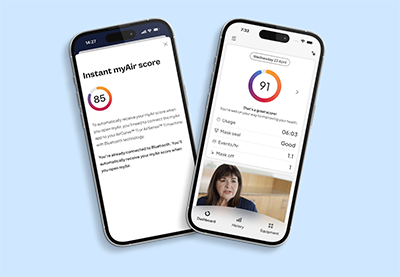
Instant myAir score
Instant myAir Score lets you view your sleep score and myAir data almost instantly when connected via Bluetooth, giving you faster feedback on your therapy progress.
With less delay in seeing your results, you can keep motivated by your nightly progress and stay connected to your therapy.
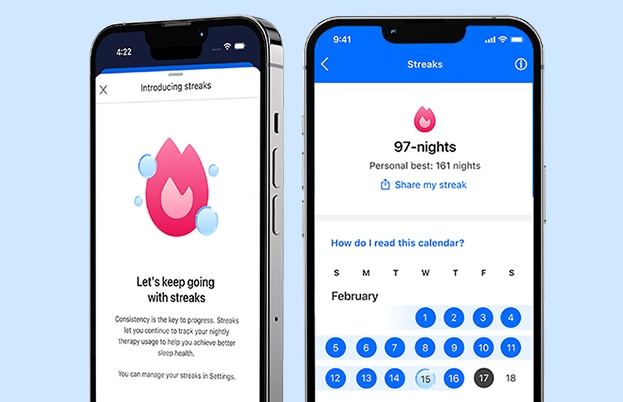
Streaks
Whether you like competition, consistency or counting, the new Streaks feature is designed to motivate you to use your CPAP device for at least 4 hours every night. Build good habits by tracking your streak along with your other therapy stats.
Miss a night?
Not a problem: the app includes a ‘streak freeze’ option to help you maintain your momentum.

Need help or have questions
If you need guidance with your therapy, equipment, or the myAir app, explore our support resources in the myAir app or connect with your healthcare professional.
ⅈ Open the myAir app and navigate to Profile → Settings → myAir Support.
Please refer to the user guides for relevant information related to any contraindications, warnings and precautions to be considered before and during use of the products.
*Availability: The myAir smartwatch app is available on Apple Watch, Samsung Galaxy, and Wear OS-supported watches, including Google Pixel Watch, Fossil Gen 6, Moboi TicWatch Series, and Montblanc Summit.
- The smartwatch app pulls myAir directly from the user’s myAir account, so the same myAir data is shared. The user must have myAir to be able to view their data on the smartwatch app.
- The smartwatch app is automatically pushed to the Apple smartwatch if the user has myAir. Samsung Galaxy watch users can download the smartwatch app from the Google Play store.
Content last updated: 10/2025.