


Sleep apnoea is a condition that causes you to stop and start breathing repeatedly, interrupting a good night’s rest. Obstructive sleep apnoea (OSA), the most prevalent type of sleep apnoea, affects nearly 1 billion people worldwide.1 It’s a disorder in which the muscles in the throat relax to the point of collapse, restricting your airflow. Breathing can become shallow and may stop for seconds or minutes at a time before your body’s defences jolt you awake to resume breathing.2
Sleep apnoea can leave you feeling tired and drained the next morning. If left untreated, it can lead to several serious health risks, including high blood pressure and elevated blood sugar levels–all factors that can contribute to heart disease, diabetes and stroke.3 How well you sleep at night plays a big part in how much energy you have during the day. Sleep health is the quality of your sleep and its impact on your overall well-being.
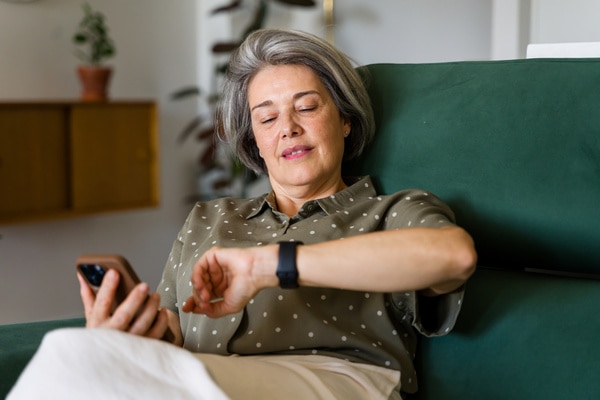
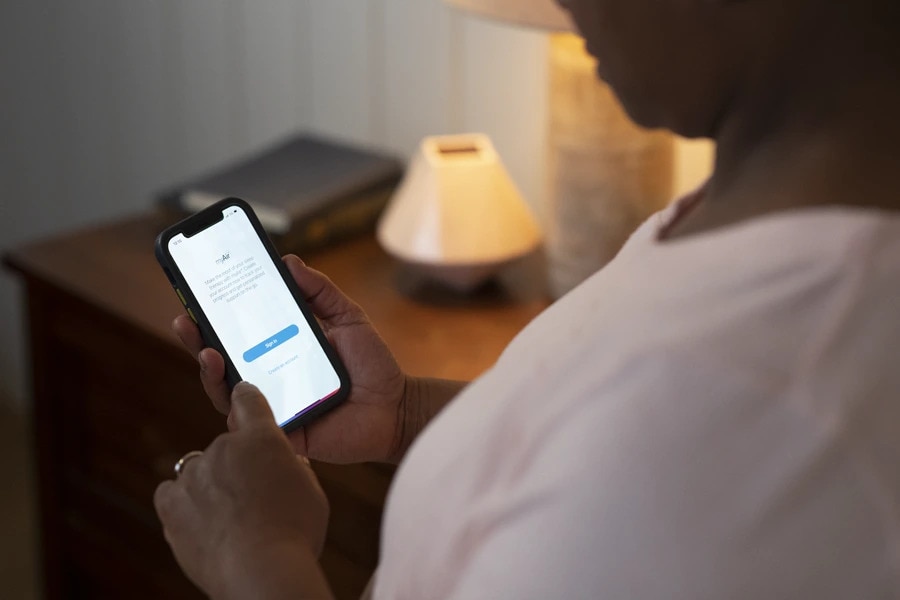
Today, wearable technology is making it easier to monitor your sleep health. From using your Apple Watch’s app to identify breathing disturbances to exploring other medical devices that detect sleep apnoea, we’ll show you how technology can help you take control of your health and get back to living with more energy.
The Apple Watch received FDA clearance in 2024 for its sleep apnea notification feature, marking an important first step toward establishing wearable devices as tools for sleep apnoea detection, even though they are not intended to provide a medical diagnosis.4 Since 2024, this feature has been expanded to more than 150 countries, including the United States (FDA-cleared), as well as France, Germany, and the United Kingdom, where it is available in compliance with local regulatory requirements (e.g., CE marking in Europe), but without a country-specific diagnostic medical authorization equivalent to the FDA clearance.4