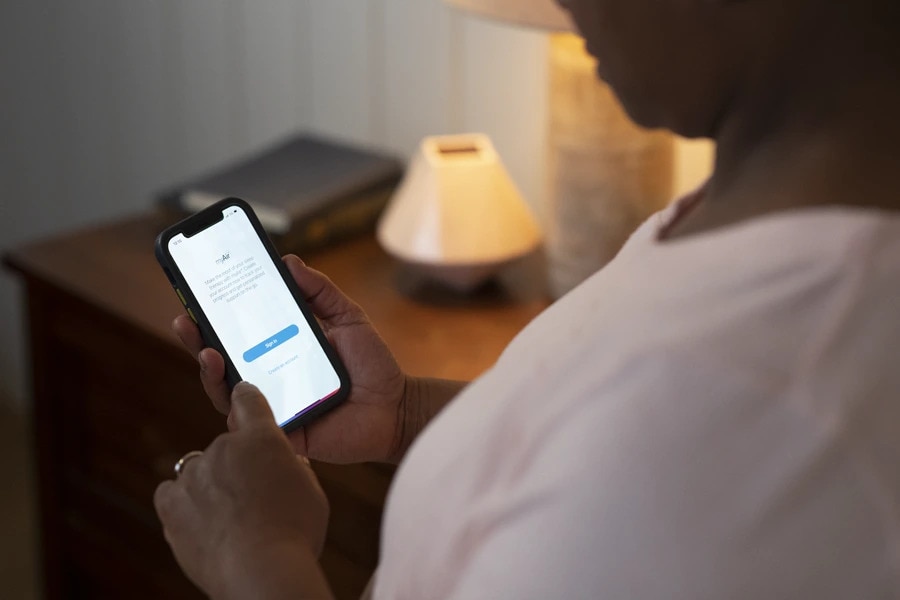
Setting up a new myAir account
How do I create a myAir account?
If you already use the myAir programme on your computer, you can use your existing myAir username and password to sign into the myAir app. If you’re a new user, click Create account and fill in the required fields.
I’ve filled out the myAir account registration but haven’t received a confirmation email. What now?
If you haven’t received a myAir confirmation email:
Check your email spam or junk folder
Go back to myAir and register again, checking that your email address is correct
myAir says my CPAP machine is already registered. What should I do?
If your machine is already registered in myAir, it means your machine serial number is already linked to a myAir account.
Please check the serial number on the back of your CPAP machine to ensure you entered it correctly. If the problem persists, please contact myAir support for help. To contact myAir support through the myAir app, please go to Profile (at the right of the bottom menu bar), select Settings, and click on myAir support.
My CPAP machine doesn’t have a 3-digit code. Can I use myAir?
myAir is designed for use with AirSense™ 10 CPAP and AirCurve™ 10 bi-level PAP machines. These devices all have an 11-digit serial number and a 3-digit device number on the back of the machine.
My serial number has only 9 digits. Can I use myAir?
myAir is designed to be used with Resmed CPAP and PAP machines that have an 11-digit serial number and 3-digit code on the back of the device. If you would like to upgrade to a device that is compatible with myAir, please contact your healthcare provider.
Can I use the same email address to set up two CPAP machines on myAir?
No, your myAir account is registered to one email address and supports one CPAP machine.
I’m trying to create a myAir account, but it says I can’t register now. What do I do?
You might see this message if the myAir website, myAir app or associated services are temporarily unavailable. If you see this message, please wait for a few hours and try again.
I can’t register my Resmed CPAP machine in myAir. What should I do?
If you can’t register your CPAP machine, please check that:
You are using a CPAP machine that is compatible with myAir. myAir currently works with AirSense™ 10 or AirCurve™ 10 machines with built-in wireless technology, where a supported wireless network is available.
You entered the correct serial and device numbers from the back of your machine when you set up your myAir account.
Is the myAir app compatible with iOS® or Android™ tablets?
The myAir app is designed to be used on smartphones. It is not compatible with iOS or Android tablets.
Can I use the myAir app with an AirMini™ machine?
No, the myAir app is not compatible with the AirMini device. The AirMini device works with a separate AirMini app, which can be downloaded here.
Can I get myAir app on my computer?
While the myAir app is primarily designed for smartphones, there is a desktop version available as well. This allows you to conveniently use myAir on your computer and access its features and benefits. Whether you prefer using your smartphone or desktop, you can enjoy the functionality of myAir to benefit from tailored tips, track your therapy and monitor your progress.